Dashboard Orientation
Task
Confirm you can navigate to every dashboard section used in the remaining modules.
Why
The lab uses two dashboards. Knowing where each control lives saves time during the hands-on modules.
info
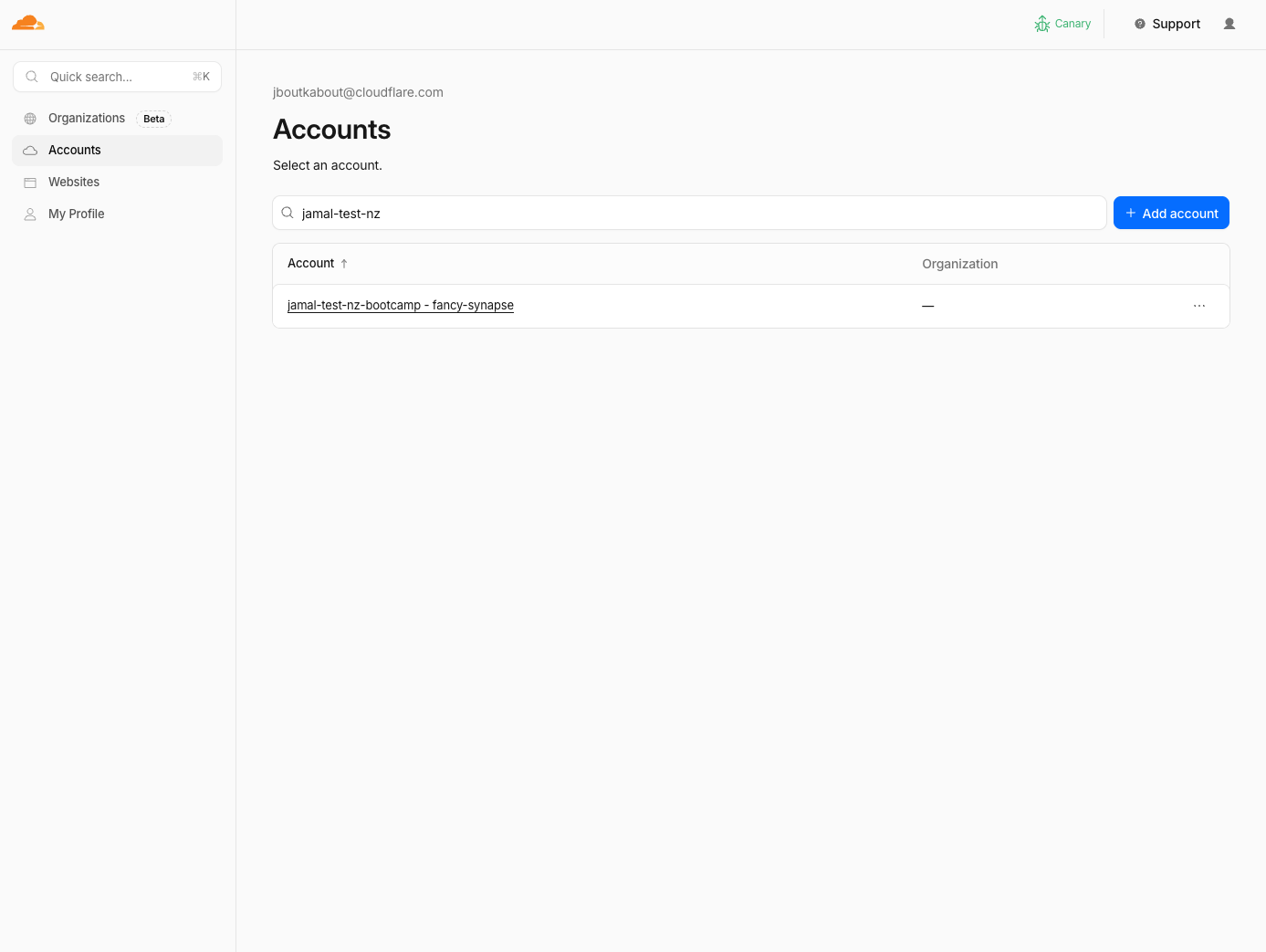
When visiting https://dash.cloudflare.com & https://dash.cloudflare.com/one, select your account as per the slug name assigned to your lab
Zone Dashboard (dash.cloudflare.com)
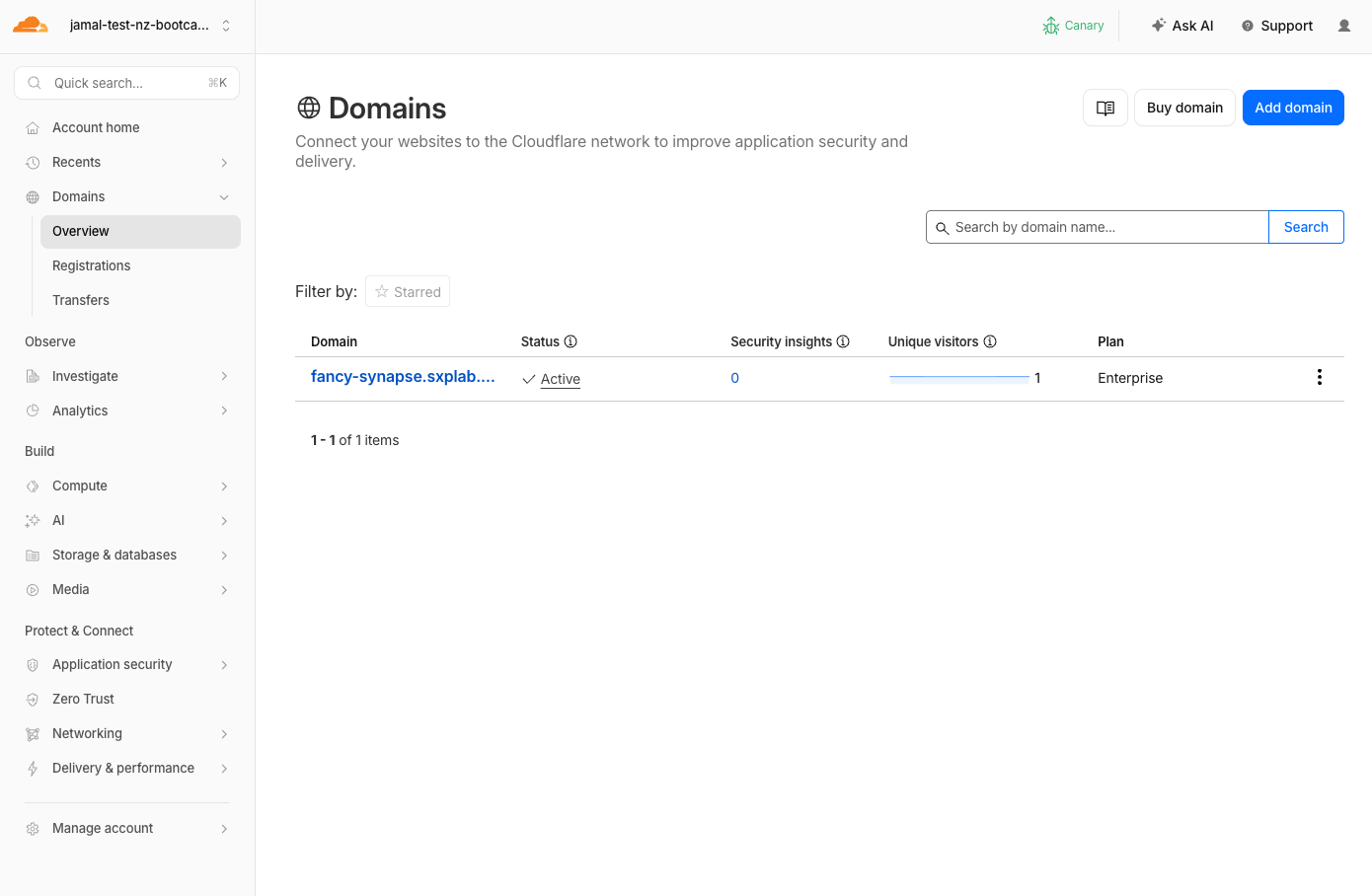
Inside the account select the zone provisioned for you <slug>.sxplab.com
Used in M1–M3 (AI Security for Apps).
When visiting https://dash.cloudflare.com, select your zone as per the slug name assigned to your lab and click on the zone in Domains > Overview
| Location | Used For |
|---|---|
| Security > Settings | Enable AI Security for Apps, custom topics |
| Security > Analytics | Review detection results, filter by cf-llm |
| Security > Web Assets | Verify LLM endpoint discovery, cf-llm label |
| Security > Security Rules > Custom rules | Create mitigation rules |
Zero Trust Dashboard (dash.cloudflare.com/one)
Used in M4–M5 (Gateway, DLP, Access, MCP).
| Location | Used For |
|---|---|
| Traffic policies > Firewall policies > HTTP | Gateway allow/block rules for AI and MCP |
| Data Loss Prevention > Profiles | AI prompt DLP, MCP protocol detection |
| Insights > Dashboards > AI security report | Shadow AI analytics |
| Insights > Dashboards > Shadow IT: SaaS analytics | Discover unsanctioned AI app usage |
| Access controls > AI controls | MCP servers, MCP portals(create custom entries) |
| Access controls > Applications | Access applications (auto-created by portals) |
| Access controls > Policies | Reusable Access policies |
| Insights > Logs > HTTP request logs | Gateway blocked/allowed events |
Quick Test
- Open dash.cloudflare.com, select your zone, navigate to Security > Settings
- Open dash.cloudflare.com/one, navigate to Traffic policies > Firewall policies
- Navigate to Access controls > AI controls
Validation
- Can reach Security > Settings in the zone dashboard
- Can reach Traffic policies in the Zero Trust dashboard
- Can reach Access controls > AI controls
- Know which dashboard to use for each module
Next
M0 is complete. You now have:
- A working SAML identity provider
- Reusable Access policies
- CF1 Client connected through Gateway
- Knowledge of where every control lives
Proceed to M1: Explore & Attack to start interacting with the AI shopping assistant.